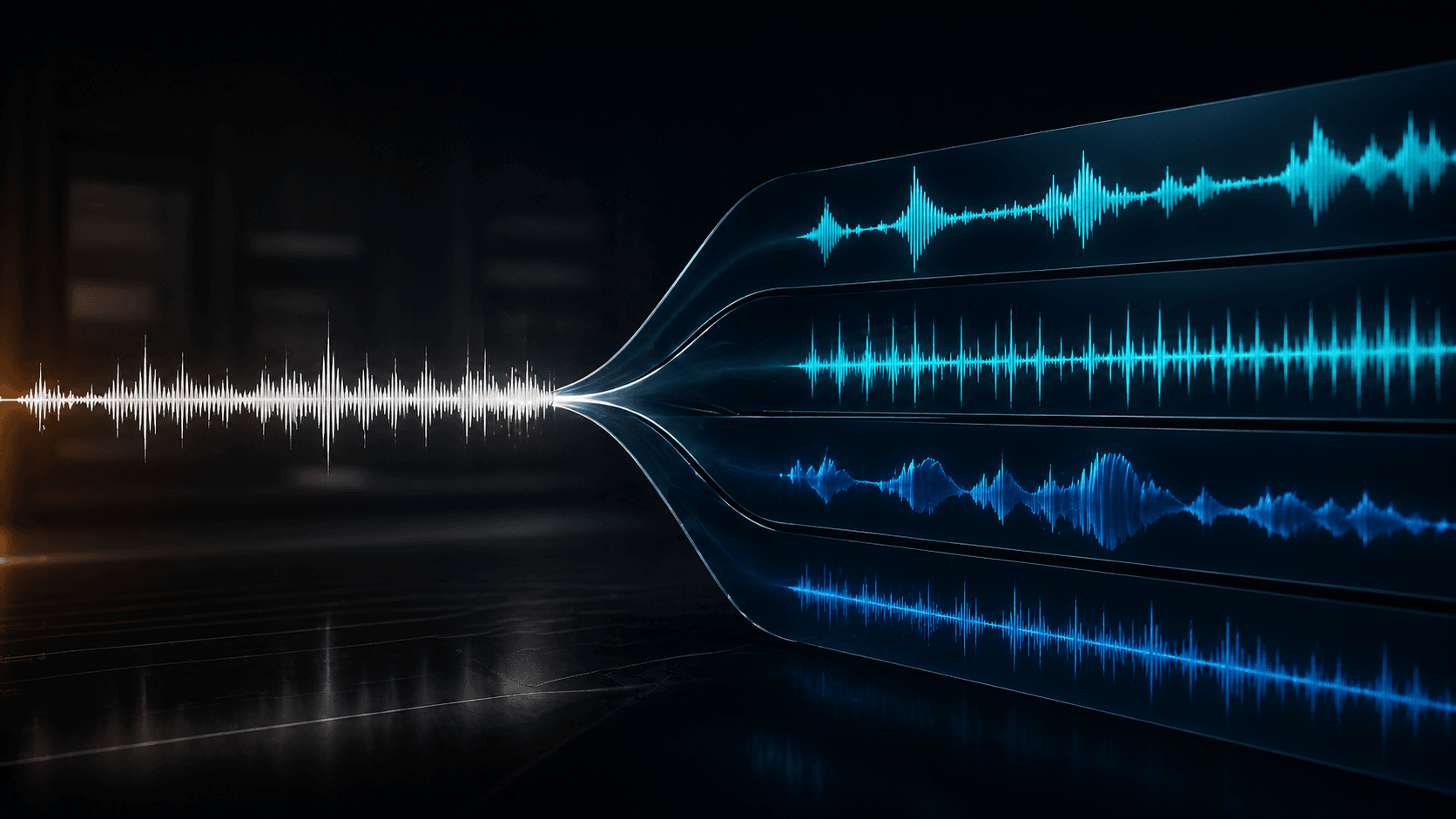
Removing vocals from a song used to require expensive software, a lot of trial and error, or access to the original studio session files. Center-channel cancellation, the old standard method, worked by assuming vocals sit in the middle of the stereo field and subtracting them. This approach left behind artifacts that sounded like a phasey, underwater mess.
AI vocal removal changed everything. Instead of guessing based on stereo position, AI models learn what vocals actually sound like in context. They isolate the vocal from the instrumental with minimal bleed, preserving the original quality of the backing track. The result is instrumental tracks clean enough for karaoke, remixing, video editing, and practice. To understand how this fits into the broader field, read our guide to what stem separation is and our comparison of the best stem splitters.
How AI Vocal Removal Actually Works
AI vocal removal uses neural networks trained on tens of thousands of multitrack sessions where the isolated vocal and instrumental tracks are known. The model learns the acoustic signatures that distinguish vocals from instruments: the harmonic structure of the human voice, the frequency ranges where vocals typically sit, the way consonants and transients behave, and how vocals interact with reverb and compression.
When you upload a song, the model analyzes the audio in overlapping windows, predicts which parts of the signal belong to the vocal and which belong to the instruments, then reconstructs two clean tracks from those predictions. The process takes seconds for a full-length song.
Modern models like BS-RoFormer use transformer architectures originally developed for natural language processing, adapted for audio. They process the audio as a sequence, understanding long-range context to make better separation decisions. This is why premium vocal removal produces cleaner results than basic models.
How to Remove Vocals from a Song Online
You do not need to install software. Online tools like Tonr's stem splitter let you remove vocals directly in your browser.
Step 1: Upload your song. Most tools accept MP3, WAV, FLAC, M4A, and OGG files. For best results, upload the highest quality version available. Highly compressed 128kbps MP3 files contain less audio information, which makes separation harder.
Step 2: Choose your output mode. For vocal removal specifically, you have two paths. Standard mode returns full stems: vocals, drums, bass, guitar, piano, other, and instrumental. You get the vocal and every other part separately. Premium mode returns cleaner vocals and a cleaner instrumental. It is optimized for the vocal removal use case specifically.
Step 3: Download your tracks. When processing completes, you can download the instrumental for karaoke, the isolated vocal for an acapella, or any combination of stems for remixing and production.
Standard vs Premium for Vocal Removal
If your primary goal is removing vocals to create a karaoke track, Premium is the better choice. Premium is optimized for cleaner vocal isolation and instrumental creation, which means less vocal bleed in your backing track and less instrumental bleed in your acapella.
If you plan to do more with the song than just remove vocals, for example, remix it, sample specific instruments, or study the arrangement, start with Standard. You get every stem, and the instrumental included in the standard output is good enough for most karaoke and practice use cases.
Common Use Cases for Vocal Removal
Karaoke. Remove vocals from any song to create a custom karaoke track. Premium mode gives you the cleanest instrumental with minimal vocal bleed.
Acapella extraction. Grab just the vocal for mashups, remixes, or vocal practice. The isolated vocal from Premium mode is clean enough to layer over other instrumentals.
Video background music. When a song's vocal clashes with your video dialogue, remove the vocal and keep the instrumental bed. This is useful for YouTube videos, social content, and podcast background music.
Practice tracks. Isolate vocals for singing practice, or remove vocals to practice your instrument along with the backing track.
Sampling. Extract vocal phrases for use in new productions. Clean vocal isolation gives you usable source material without background instrument bleed.
What to Avoid When Using Vocal Removers
Do not expect perfection from a single pass on every song. Dense mixes with heavy distortion, layered vocals, or wide stereo effects produce more artifacts. If the first pass is not clean enough, try a different separation mode or use a tool that supports multiple models.
Do not use low-quality source files. A 128kbps MP3 has lost significant audio information that the separation model needs to make accurate predictions. Upload WAV or high-bitrate MP3 files whenever possible.
Do not use vocal removal as a legal shortcut. Removing vocals from a copyrighted song does not give you ownership. You still need a license or permission to use the instrumental or acapella in commercial projects.
Getting the Best Results
For the cleanest vocal removal, start with Premium mode on Tonr's stem splitter. If you need individual instrument stems alongside the vocal removal, use Standard mode. The right choice depends on your project: karaoke and acapella extraction favor Premium, while remixing and arrangement work favor Standard.
remove vocals / vocal remover / karaoke maker / acapella extractor / instrumental maker / AI vocal remover / how to remove vocals from a song
What Is Stem Separation? How AI Splits Songs Into Isolated Parts
NextBest AI Stem Splitter for Remix and Karaoke in 2026
Frequently asked questions
Can AI vocal removal remove 100% of the vocal?
No AI vocal remover is perfect. Premium separation minimizes vocal bleed significantly, but traces of the vocal may remain in the instrumental, especially in dense sections or songs with heavy reverb. For karaoke and practice use, the results are excellent. For commercial release, you may need manual cleanup.
Is vocal removal legal?
Removing vocals from a song you own is legal for personal use. Using the isolated vocal or instrumental in a commercial project requires permission from the copyright holder. Vocal removal does not change copyright ownership.
What audio format works best for vocal removal?
WAV and high-bitrate MP3 files give the best results. Highly compressed audio (128kbps or lower) loses information the AI needs for clean separation. Upload the highest quality version of the track you have.
How long does AI vocal removal take?
Most online tools process a full-length song in 30 seconds to 3 minutes, depending on song length, file size, and server load. Tonr processes most tracks under 3 minutes.