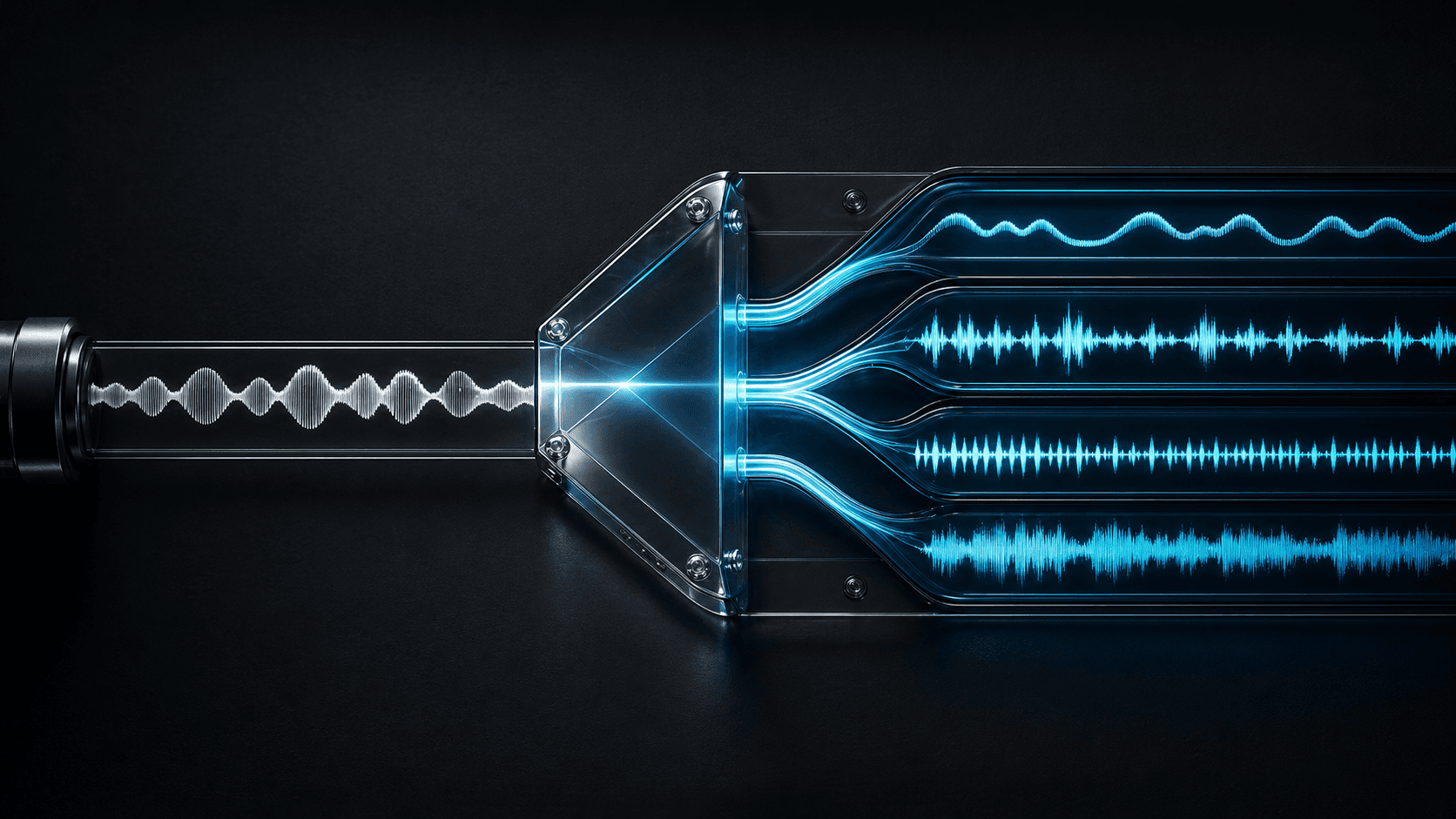
Stem separation is the process of taking a finished song and splitting it into individual audio tracks. If you have ever wanted to grab just the vocals from a track, remove the drums for a practice session, or isolate the bass for sampling, you needed stem separation. In the past, this required access to the original multitrack session files, which only the producer or artist had. AI stem separation changed that.
Today, anyone can upload a song and get back separate parts: vocals, drums, bass, guitar, piano, and other instruments. The quality depends on the model and the source audio, but modern AI separation is good enough for professional remixing, karaoke, sampling, and content creation. If you specifically need to remove vocals for karaoke, or want to compare the best tools for remix and karaoke, we have dedicated guides for both.
What Are Stems?
A stem is an individual audio part of a song. In a recording studio, every instrument is recorded on its own track. The vocal goes on one track, the kick drum on another, the bass on another, the guitar on another, and so on. These individual tracks are mixed together to create the final stereo song you hear.
Once the song is mixed down, those individual tracks are gone. Stems are a way to get them back. AI stem separation analyzes the finished mix and estimates what each part sounds like based on patterns learned from thousands of multitrack recordings.
Common stems include: vocals, drums, bass, guitar, piano, other instruments, and a full instrumental (the song minus the vocals).
How AI Stem Separation Works
AI stem separation uses deep neural networks trained on large datasets of multitrack recordings. The model learns what a vocal sounds like in context, what a kick drum looks like in a waveform, and how different instruments overlap in frequency and time.
When you upload a song, the model processes the audio through multiple stages. It first analyzes the frequency spectrum and time structure of the track. Then it applies a separation algorithm that isolates each instrument by identifying its unique sonic signature. The result is a set of individual audio files that play back in sync with the original timing.
The most common architecture for stem separation is the Hybrid Transformer Demucs (HTDemucs) model developed by Meta AI. It combines time-domain and frequency-domain processing with transformer attention layers. This means it analyzes both the raw waveform and the spectrogram simultaneously, using cross-domain attention to understand how instruments interact.
Tonr uses this technology to deliver full stems in standard mode and cleaner vocal isolation in premium mode. The important distinction for creators is not which model runs behind the scenes, but what output they get from each mode.
Standard vs Premium Separation
Standard separation returns full stems: vocals, drums, bass, guitar, piano, other instruments, and a clean instrumental. This is the right choice when you need every layer of a song for remixing, sampling, or arrangement study.
Premium separation focuses on cleaner vocals and instrumental output. It is optimized for workflows where the vocal is the primary asset: karaoke backing tracks, acapella extraction, vocal isolation, and remixing where you want the cleanest possible vocal and instrumental pair.
If you are deciding which mode to use, think about what you need the output for. Full arrangement control means Standard. Clean vocal and instrumental means Premium.
What Creators Use Stem Separation For
Remixing and Mashups
Stem separation makes remixing possible without the original project files. Pull the vocal from one track, the drums from another, and the bass from a third, then combine them in your DAW to create something new. Tonr's stem splitter supports both full stem extraction and cleaner vocal isolation depending on your remix workflow.
Karaoke and Practice
Remove vocals from a song to create an instrumental backing track for karaoke. Or isolate the drums, bass, or guitar parts to practice along with your instrument of choice. Premium mode is ideal for karaoke because it prioritizes cleaner instrumental output with minimal vocal bleed.
Sampling
Producers sample constantly, but sampling from a finished mix usually means dealing with bleed from other instruments. Stem separation gives you cleaner source material: the drum break without the bass, the vocal phrase without the background music, the bassline without the kick drum bleed.
Video Editing and Content Creation
Video editors use stem separation to separate music beds from vocals, create cleaner edits when music clashes with dialogue, and build custom versions of tracks for pacing and timing. This is especially useful for YouTube, TikTok, and podcast production.
Music Education and Transcription
Music students use stem separation to hear individual parts of a song in isolation. Transcribing a bassline from a full mix is difficult. Transcribing it from a clean bass stem is straightforward. The same applies to drum patterns, guitar riffs, and vocal melodies.
Limitations of AI Stem Separation
AI stem separation is not perfect. Quality depends on several factors: the original mix quality, how compressed the audio is, how much frequency overlap exists between instruments, and how much reverb or effect processing was applied.
In dense arrangements with heavy distortion or complex layering, separation artifacts increase. You may hear what producers call bleed: traces of the vocal in the instrumental stem, or kick drum thump in the bass stem. Modern models have reduced this significantly, but it has not been eliminated entirely.
For most creator workflows, the quality is production-ready. If you are pulling stems for a remix, karaoke track, or video edit, modern separation is good enough. If you need pristine, artifact-free separation for a commercial release, you may need to combine multiple models or clean up stems manually in your DAW.
Getting Started with Stem Separation
You do not need expensive software or a powerful computer. Online stem splitters like Tonr run on cloud GPUs and deliver results in your browser. Upload a track, choose standard or premium mode, and download your stems when processing completes.
Standard is the best starting point for most users. It gives you every stem and lets you explore what each layer sounds like. Premium is there when you need the cleanest possible vocal or instrumental output.
stem separation / stem splitter / AI audio separation / source separation / music production / what is stem separation
What Is Video Scoring? A Complete Guide for Editors and Creators
NextHow to Remove Vocals from a Song: AI Karaoke Maker Guide
Frequently asked questions
What is the difference between stem separation and vocal removal?
Vocal removal creates two tracks: vocals and instrumental. Stem separation creates multiple tracks: vocals, drums, bass, guitar, piano, and other instruments. Vocal removal is a subset of stem separation. Use vocal removal when you only need the acapella or backing track. Use full stem separation when you need individual instrument control for remixing or production.
Is AI stem separation as good as having the original multitracks?
No. AI stem separation estimates what individual instruments sound like from a mixed stereo file. It cannot match the quality of actual multitracks from a recording session. But for practical workflows like remixing, karaoke, sampling, and video editing, modern AI separation is close enough to be production-ready.
Can I separate any song into stems?
Yes, any stereo audio file can be processed. The quality depends on the mix density, compression, and how much frequency overlap exists between instruments. Sparse arrangements with clear separation between instruments give the best results. Dense, heavily compressed mixes produce more artifacts but are still usable for most workflows.
Do I need a powerful computer for AI stem separation?
No. Online stem splitters process audio on cloud GPUs. You only need a browser and an internet connection. Tonr handles all processing server-side and delivers your stems for download when the job completes.
What formats do separated stems come in?
Most online stem splitters export stems as MP3 or WAV files. Tonr delivers stems as high-quality MP3 files that can be downloaded individually or imported directly into your DAW or video editor.